
How to Deposit Money on PK365 Game?
PK365 provides multiple payment options to make deposits convenient for eligible users. Depending on your region and the latest version of the application, you may be able to fund your account using popular payment services such as JazzCash, Easypaisa, direct bank transfers, or other supported methods. Before making a deposit, always check the latest payment options, minimum deposit limits, and promotional offers available within the app.
Follow the steps below to deposit funds into your PK365 account.
Step 1: Open the PK365 App
Launch the PK365 Game application on your Android device and log in using your registered account credentials.
Step 2: Open the Deposit Section
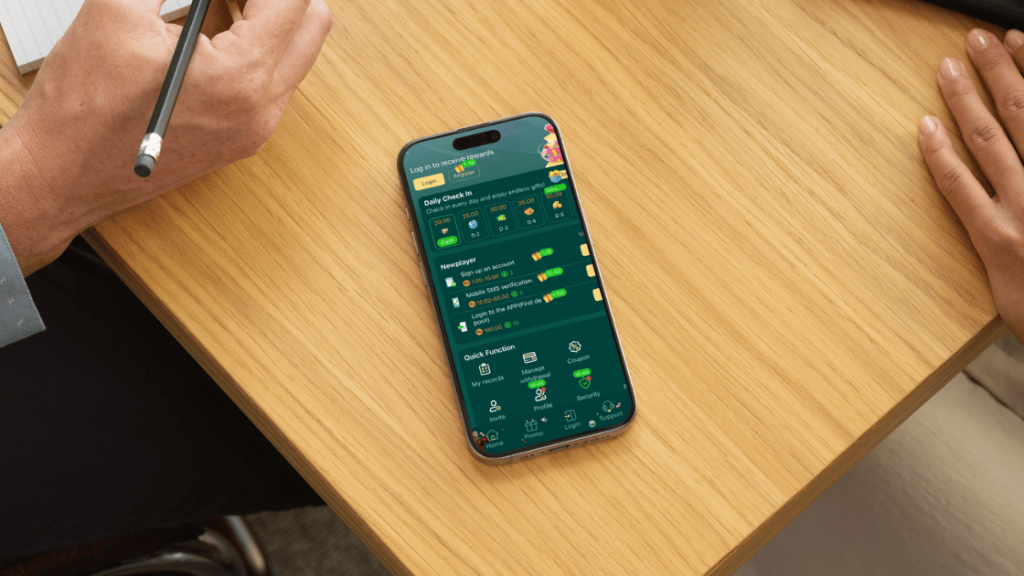
After logging in, navigate to your account dashboard and tap the Deposit or Wallet button, usually located at the top of the home screen.
Step 3: Select a Payment Method
Choose one of the available deposit methods displayed in the application. Depending on your location, the following options may be available:
- JazzCash
- Easypaisa
- Bank Transfer
- Digital Currency (Cryptocurrency) (if supported)
Select the payment method that is most convenient for you.
Step 4: Enter the Deposit Amount
Type the amount you want to deposit. The minimum and maximum deposit limits may vary depending on the selected payment method and the latest platform policy. Always review the displayed limits before confirming your transaction.
Step 5: Provide Your Payment Details
Enter the required payment information, such as your registered JazzCash or Easypaisa mobile number, bank account details, or cryptocurrency wallet address, depending on the payment option you selected.
Double-check all information before continuing to avoid payment delays or failed transactions.
Step 6: Confirm Your Deposit
Review the transaction details carefully and tap the Deposit Now or Confirm button. Once your payment is successfully processed, the deposited amount should appear in your PK365 wallet according to the platform’s processing time.
Deposit Tips
- Download the latest PK365 APK from the official website before making a transaction.
- Verify your payment details before confirming the deposit.
- Keep your payment receipt or transaction ID until the funds appear in your account.
- Ensure you have a stable internet connection while completing the payment.
- Review the latest deposit limits and payment policies within the app, as they may change over time.
Promotional Offers
PK365 may occasionally provide welcome bonuses, deposit rewards, or limited-time promotional campaigns for eligible users. These offers can change without notice, so always check the Promotions section or the official announcements within the app to review the latest bonus terms, eligibility requirements, and wagering conditions before participating.
Important: Always use payment methods registered in your own name whenever possible and complete deposits only through the official PK365 application or website. This helps reduce the risk of payment issues and improves account security.