
How to Withdraw Money from PK365 Game?
Withdrawing funds from your PK365 account is a simple process once your account has been verified and a withdrawal method has been added. Depending on the latest version of the platform, users may be able to withdraw their balance through local payment services or supported cryptocurrency options.
Before submitting a withdrawal request, make sure your account information is accurate, your withdrawal password has been created, and your account meets the platform’s withdrawal requirements. Following the correct steps can help prevent delays or rejected transactions.
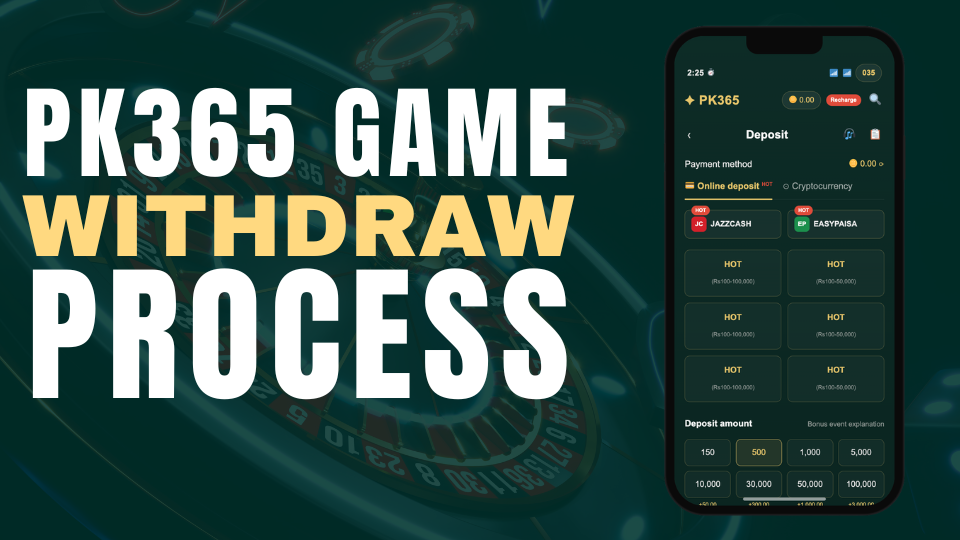
Step 1: Open the PK365 App
Launch the PK365 Game application on your Android device and log in to your account using your registered mobile number, email address, or username.
Step 2: Go to Your Profile
After logging in, tap the Profile icon located at the bottom-left corner of the home screen. This section allows you to manage your account settings, payment methods, and withdrawal options.
Step 3: Open the Withdrawal Section
Inside your profile, tap the Withdraw button to open the withdrawal page. Here you’ll find the available withdrawal methods supported by the latest version of the platform.
Step 4: Create a Withdrawal Password
For additional account security, PK365 may require users to create a separate Withdrawal Password before submitting their first withdrawal request.
Choose a strong password that is different from your login password and keep it private. This extra security step helps protect your account and prevents unauthorized withdrawals.
Step 5: Choose Your Withdrawal Method
Depending on your region and the latest platform features, you may see one or more withdrawal options.
Option 1: Normal Withdrawal
If you prefer to receive your funds through a local payment method, select Normal Withdrawal.
You may be asked to provide:
- JazzCash account
- Easypaisa account
- Bank account details
- Account holder’s full name
- CNIC or national identification number (if required)
- Withdrawal password
Carefully review all the information before submitting your request. Incorrect account details may result in processing delays or unsuccessful transactions.
After completing the required information, enter the amount you wish to withdraw and tap Confirm Withdrawal.
Option 2: Cryptocurrency Withdrawal
If cryptocurrency withdrawals are available, choose the Convert to Crypto option.
You may need to enter:
- Your withdrawal password
- Your cryptocurrency wallet address
- The cryptocurrency you want to receive (if multiple options are available)
- The withdrawal amount
Before confirming your request, double-check the wallet address. Cryptocurrency transactions usually cannot be reversed once they have been processed.
Step 6: Wait for Processing
After submitting your withdrawal request, the platform will begin processing it. Processing times may vary depending on the selected payment method, account verification status, and the platform’s current workload.
Once approved, the funds will be transferred to your selected payment account or cryptocurrency wallet.
Withdrawal Tips
- Verify your account information before requesting a withdrawal.
- Use payment methods that are registered in your own name whenever possible.
- Double-check your JazzCash, Easypaisa, bank account, or crypto wallet details before confirming the request.
- Keep your withdrawal password secure and never share it with anyone.
- Review the platform’s latest minimum withdrawal amount, processing times, and applicable fees before submitting a request.
- If your withdrawal is delayed, check your transaction history or contact the official customer support team for assistance.
Important: Withdrawal policies, supported payment methods, processing times, and verification requirements may change as the platform is updated. Always refer to the latest information available within the official PK365 application before submitting a withdrawal request.